
Introduction: Why Shared Online Alarms Are Trending
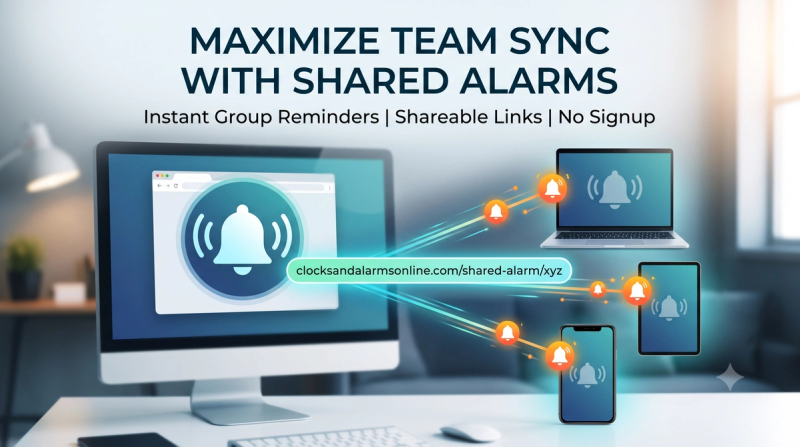
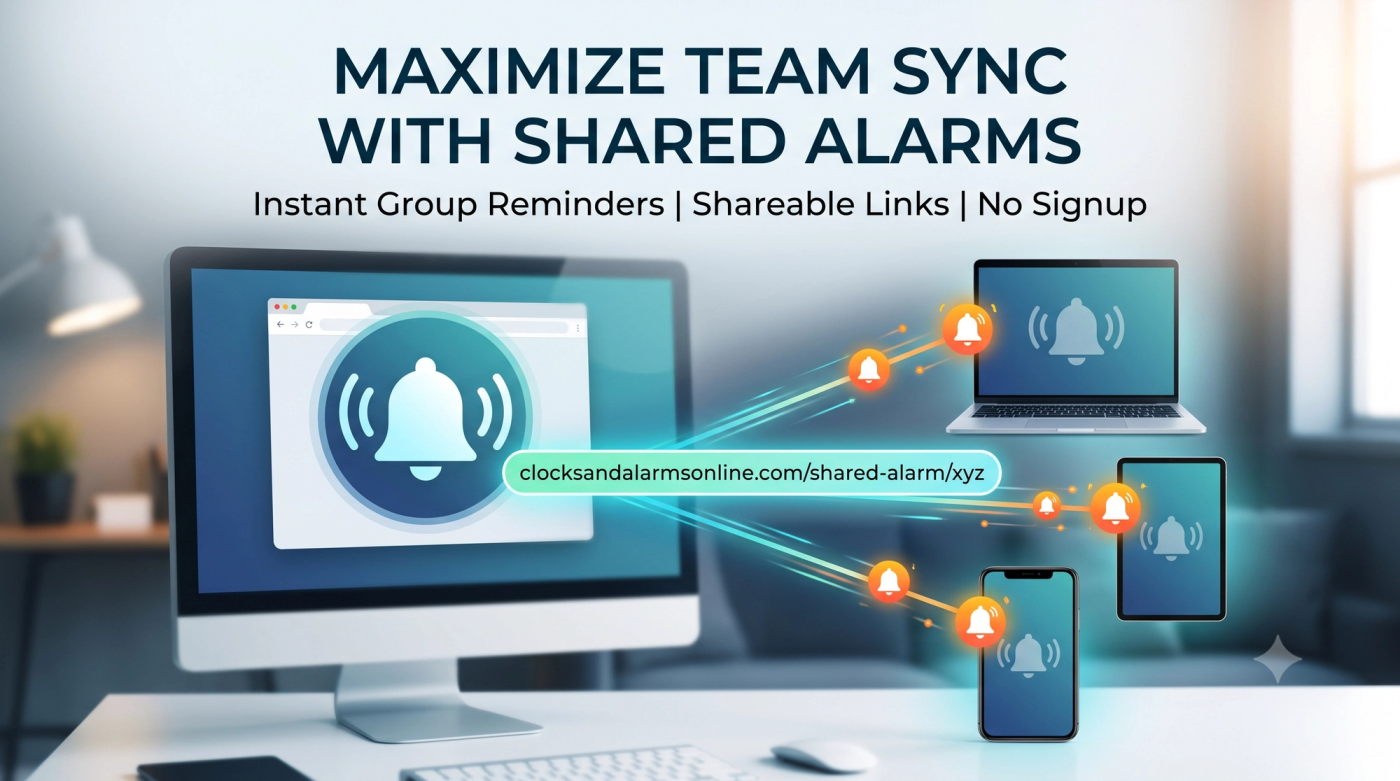
In today’s connected world, more people search for tools like “shared alarm clock online,” “group alarm,” “online alarm with shareable link,” and “team reminders” because they need to keep multiple people on the same schedule. A shared alarm clock solves this problem by letting one person create an alarm and instantly share it with others through a link, so everyone is notified at the same time.
One simple way to do this is with Shared Alarms on Clocks and Alarms Online, a browser‑based tool where you can create, share, and sync alarms without any signup or app installation.
What Is a Shared Alarm Clock?
A shared alarm clock is an online alarm that can be created by one person and accessed by many people using a single link. Instead of each person manually setting their own alarm, you:
- Create one alarm.
- Get a shareable URL.
- Send it to anyone who needs to be reminded at that exact time.
When the alarm goes off, everyone connected to that shared alarm gets notified together. This is perfect for remote teams, students, families, caregivers, and friends who want synchronized reminders.
You can try this concept directly here: https://clocksandalarmsonline.com/shared-alarm/.
Key Features of Clocks and Alarms Online – Shared Alarm
The Shared Alarms tool on Clocks and Alarms Online is designed to be simple but powerful. Some of the most useful features include:
- No login required: Create and share alarms instantly from your browser.
- Shareable links: Every alarm gets a unique URL you can send via WhatsApp, email, SMS, or chat.
- Real‑time sync: If the alarm time or details are updated, everyone using the link sees the change.
- Multi‑device support: Works on desktop, laptop, tablet, or mobile browser.
- Clear labels: You can add titles and descriptions to alarms so people know what the reminder is for.
You can explore these features by setting your first alarm at Shared Alarm – Clocks and Alarms Online.
How to Use the Shared Alarm Tool (Step‑by‑Step)
Here is a simple guide for beginners on how to use this shared alarm clock online.
Step 1: Open the Shared Alarm Page
Go to https://clocksandalarmsonline.com/shared-alarm/ in your browser.
You don’t need to install anything or sign up.
Step 2: Create a New Alarm
On the page, you will see options to:
- Set the alarm time (hours, minutes, AM/PM or 24‑hour format).
- Choose the date if needed.
- Add an alarm title (for example: “Daily standup meeting” or “Medicine reminder”).
Fill in these details carefully so everyone understands the purpose of the alarm.
Step 3: Generate the Shareable Link
After you set the alarm, look for the option to save or create the alarm.
The tool then generates a unique alarm link.
This link is the core of the shared alarm. Anyone who opens it will be connected to your alarm.
Step 4: Share the Alarm with Others
Copy the link and send it via:
- WhatsApp or Telegram group
- Slack or Microsoft Teams channel
- Email or SMS
- Any chat app you use
You can write a short message such as:
“Open this link and keep it open in your browser. We’ll all get reminded together when the alarm rings.”
Step 5: Keep the Alarm Active
To make sure the alarm works:
- Ask people to keep the browser tab open.
- Ensure their device volume is on, if the alarm sound is used.
- For time‑sensitive events, suggest they open the link a few minutes before the alarm time.
If you want to practice this workflow, create a test alarm now at Clocks and Alarms Online – Shared Alarm.
Best Use Cases: When to Use a Shared Alarm
A shared alarm clock online is ideal whenever multiple people must act at the same moment. Here are some high‑value use cases:
1. Remote Team Meetings and Standups
- Daily standup calls or sprint planning sessions.
- Project deadlines and task check‑ins.
- Reminders for online training and webinars.
A manager can set one alarm and share the link with the whole team, ensuring everyone gets notified at the same time.
2. Study Groups and Online Classes
- Shared study breaks.
- Exam revision sessions.
- Group presentations or project work.
Students can set a group alarm and share the link in their class WhatsApp group to keep everyone synchronized.
3. Family Routines and Caregiving
- Medication reminders for elderly parents.
- Kids’ online class schedules.
- Family meal times or prayer times.
Caregivers and family members can coordinate easily using one shared alarm instead of many separate alarms.
4. Travel Plans and Events
- Early morning departures for road trips.
- Boarding time reminders for flights or trains.
- Meeting time at a common location.
When everyone uses the same shared alarm link, there is less confusion and fewer “I forgot” moments.
You can start using a shared alarm for any of these situations here: https://clocksandalarmsonline.com/shared-alarm/.
Advantages of Using a Shared Online Alarm
Using a shared alarm tool like Clocks and Alarms Online – Shared Alarm offers several benefits:
- Simple and fast: Set and share alarms in seconds.
- Cloud‑based: No installation or updates needed.
- Easy for everyone: Even non‑technical users can open a link and follow the alarm.
- Perfect for coordination: Everyone sees the same time and same alarm title.
- Reduces miscommunication: No more “I thought the meeting was at a different time.”
For users searching for “best online alarm clock for teams” or “alarm with shareable link”, this tool fits the need well.
FAQ: Common Questions About Shared Alarm Clocks
1. Is the shared alarm tool free to use?
Yes, the Shared Alarms feature on Clocks and Alarms Online is designed as a free, browser‑based tool.
2. Do I need to create an account?
No. You can create and share alarms without logging in or signing up.
3. Can I use it on mobile?
Yes. It works in most modern mobile browsers, as long as the tab stays open and sound/notifications are allowed.
4. What happens when the alarm time is over?
After the scheduled alarm time passes, you may need to create a new alarm and share a fresh link if you want another reminder.
5. Can I edit an alarm after sharing?
You can adjust the alarm settings in the tool, and connected users will see updated details when they refresh or revisit the shared link (depending on how the site handles updates).