Have you ever woken up on a Sunday morning, looked at your phone, looked at your stove, and spent five solid minutes wondering what time it actually is? You are definitely not alone.
Daylight Saving Time (DST)—or "daylight savings" as most of us casually call it—is one of those twice-a-year events that manages to confuse millions of people across the globe. Whether you are trying to figure out if you're losing an hour of sleep or gaining one, coordinating a cross-border Zoom call, or managing remote teams, keeping track of global clock changes can turn into a real brain-teaser.
In this guide, we are going to break down everything you need to know about Daylight Saving Time in 2026: why we do it, which countries are changing their clocks, the weird anomalies you need to watch out for, and how you can use our live DST Tracker (opens in a new tab) to stay ahead of every transition effortlessly!
What Is Daylight Saving Time (and Why Do We Still Do It?)
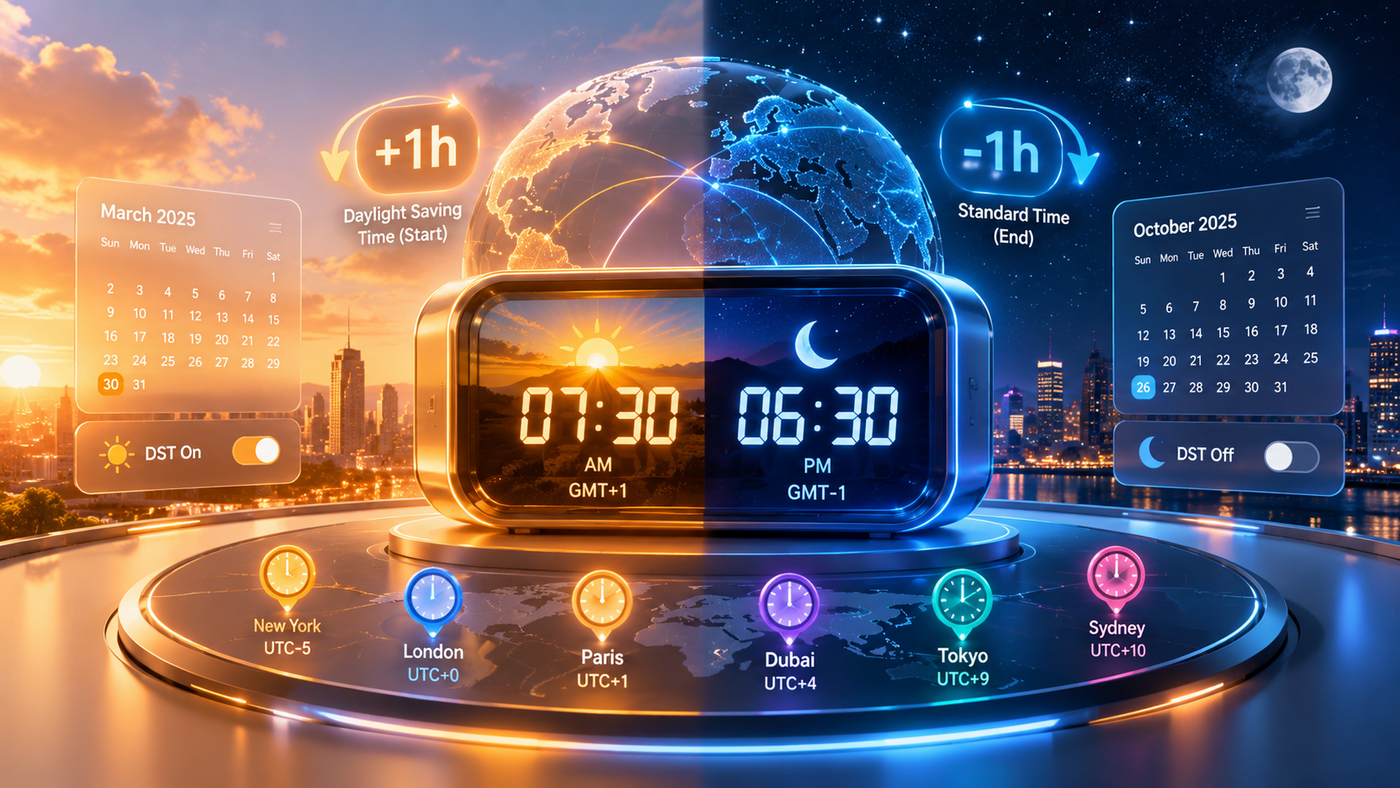
At its core, Daylight Saving Time (DST) is the practice of setting clocks forward by one hour during warmer months so that evening daylight lasts longer.
The main idea behind DST originated back when artificial light was expensive, aiming to squeeze more outdoor productivity out of long summer evenings. When autumn rolls around, clocks "fall back" to Standard Time (or winter time), returning that hour of daylight back to the morning.
While over 70 countries observe DST in some form, it is far from uniform:
- Northern Hemisphere: Springs forward in March/April and falls back in October/November.
- Southern Hemisphere: Does the exact opposite! They spring forward in September/October and fall back in April.
- Equatorial Regions: Countries near the equator (like Singapore or Colombia) experience almost equal daylight year-round, so they skip DST entirely.
If you ever want to check the baseline reference time for global shifts, you can always compare your local zone against UTC using our World Clock (opens in a new tab).
Essential Daylight Saving Time Dates for 2026
To keep your calendar straight, here are the major transition windows happening across the globe in 2026:
1. United States & Canada (March 8 & November 1, 2026)
- Spring Forward (+1 Hour): Sunday, March 8, 2026 at 2:00 AM local time.
- Fall Back (-1 Hour): Sunday, November 1, 2026 at 2:00 AM local time.
- Note: Hawaii and most of Arizona (except the Navajo Nation) do not participate in DST.
2. European Union & United Kingdom (March 29 & October 25, 2026)
- Spring Forward (+1 Hour): Sunday, March 29, 2026 at 1:00 AM UTC / 2:00 AM CET.
- Fall Back (-1 Hour): Sunday, October 25, 2026 at 1:00 AM UTC / 3:00 AM CEST.
- Note: Unlike the US, the European Union synchronizes all its time zone transitions at a single UTC moment!
3. Australia & New Zealand (Southern Hemisphere Cycle)
- New Zealand: Springs forward on Sunday, September 27, 2026 (+1h shift at 3:00 AM).
- Australia (NSW, Victoria, SA, ACT, Tasmania): Springs forward on Sunday, October 4, 2026 (+1h shift at 2:00/3:00 AM).
- Note: Queensland, Western Australia, and the Northern Territory stay on standard time year-round.
3 Crazy DST Anomalies You Probably Didn't Know About
If you thought every country simply shifts their clock by 60 minutes on a Sunday morning, think again! Time zones have plenty of bizarre quirks:
- The 30-Minute Shift on Lord Howe Island: Australia’s Lord Howe Island is the only place on Earth that shifts its clock by 30 minutes instead of a full hour during daylight saving!
- Morocco’s Ramadan Pause: Morocco observes DST for most of the year, but temporarily pauses it and sets clocks back during the holy month of Ramadan to make evening fast-breaking easier for citizens.
- The 1-Hour Off-Sync Gap: Because North America and Europe switch on different weekends in October/November and March, the time difference between London and New York temporarily shrinks from 5 hours to 4 hours for about two weeks every spring and fall.
When you're trying to set team calls during these overlapping weeks, avoid the chaos by testing schedules beforehand in our Meeting Planner (opens in a new tab).
Why Static Webpages Fail (and Why You Need a Proactive Tool)
Most DST websites give you a wall of text or static tables. But when you are running a business, launching software code, or booking flights, you don't just want to know what date a shift happens—you need to know how many days are left and what the exact offset change will be.
A sudden shift can lead to:
- Missed International Meetings: Dialing into a call an hour early or late because another country switched clocks before yours.
- Database & Cron Job Failures: Automated server tasks running twice (or skipping completely) during the "Fall Back" duplicate hour.
- Disrupted Sleep Cycles: Missing out on essential rest because you didn't plan ahead for "Spring Forward."
How to Use & Access Our Global DST Tracker
We built the DST Tracker (opens in a new tab) at Clocks and Alarms Online specifically to eliminate the guesswork. Powered by the latest IANA Time Zone Database with zero-drift accuracy, our tool gives you a live, visual map of every clock transition on earth.
Here is how to get the most out of it:
Step 1: Access the Tool
Head straight to clocksandalarmsonline.com/dst-tracker (opens in a new tab) on your desktop, tablet, or mobile browser. It's 100% free, requires no registration or login, and operates with zero annoying ad popups.
Step 2: Browse the Live Chronological Grid
When you land on the page, you'll see a global overview highlighting total active transitions (e.g., 98 tracked global changes). The grid is automatically sorted by proximity, showing you the most urgent upcoming clock shifts at the top of the feed.
Step 3: Search and Filter by Location
Looking for a specific city or country? Use the intelligent search filter at the top of the directory. Type in terms like "Australia", "London", or "Germany" to instantly pinpoint transition dates for that region.
Step 4: Check Shift Directions & Countdowns
Each location card provides a clear visual snapshot:
- Shift Direction Tag: See at a glance whether a region is Springing Forward (+1h) or Falling Back (-1h).
- Days Remaining Counter: Live countdown cards showing exact days remaining (e.g., "18 days left") so you can plan well ahead.
- Offset Math: Displays both the current GMT/UTC offset and the target offset (e.g.,
GMT +10 → GMT +11).
Step 5: Sync with Your Productivity Workflow
Planning a project sprint or setting reminders for clock night?
- Need a quick timer while re-setting manual clocks? Use our online Timer (opens in a new tab).
- Need a loud wake-up call to adapt your sleep cycle on transition night? Set an alert with our custom Alarm (opens in a new tab).
- Coordinating alarms across remote teams during shift week? Try our Shared Alarm (opens in a new tab) feature to keep everyone in sync!
Pro-Tips to Survive Clock Changes Like a Boss
- Adjust Analog Clocks on Saturday Night: Before you head to sleep on transition night, update your stove, microwave, and analog wall clocks so you wake up to accurate time everywhere.
- Shift Your Sleep Schedule Gradually: Going into "Spring Forward," start going to bed 15–20 minutes earlier for 3 days leading up to the change.
- Double-Check Remote Systems: If you manage server backups, automated emails, or global team rosters, bookmark the DST Tracker (opens in a new tab) every March and October to stay ahead of international time-gaps.
- Count Down to Your Next Big Break: Once the clock change is out of the way, keep the good vibes going by tracking your next upcoming break using our Holiday Countdown (opens in a new tab).
Wrap-Up: Stay Ahead of Time!
Daylight Saving Time doesn't have to catch you off guard. With a quick glance at our real-time DST Tracker (opens in a new tab), you can track every global transition, protect your sleep schedule, and keep your international meetings running smoothly.
Explore our full suite of precision timekeeping utilities at Clocks and Alarms Online (opens in a new tab)—built for speed, privacy, and exact accuracy every single second!